Framer Review: A Designer-Friendly No-Code Website Builder for Fast, Animated Sites
An honest look at Framer’s design canvas, pricing, CMS limits, AI features, and where it fits best.
7 min read
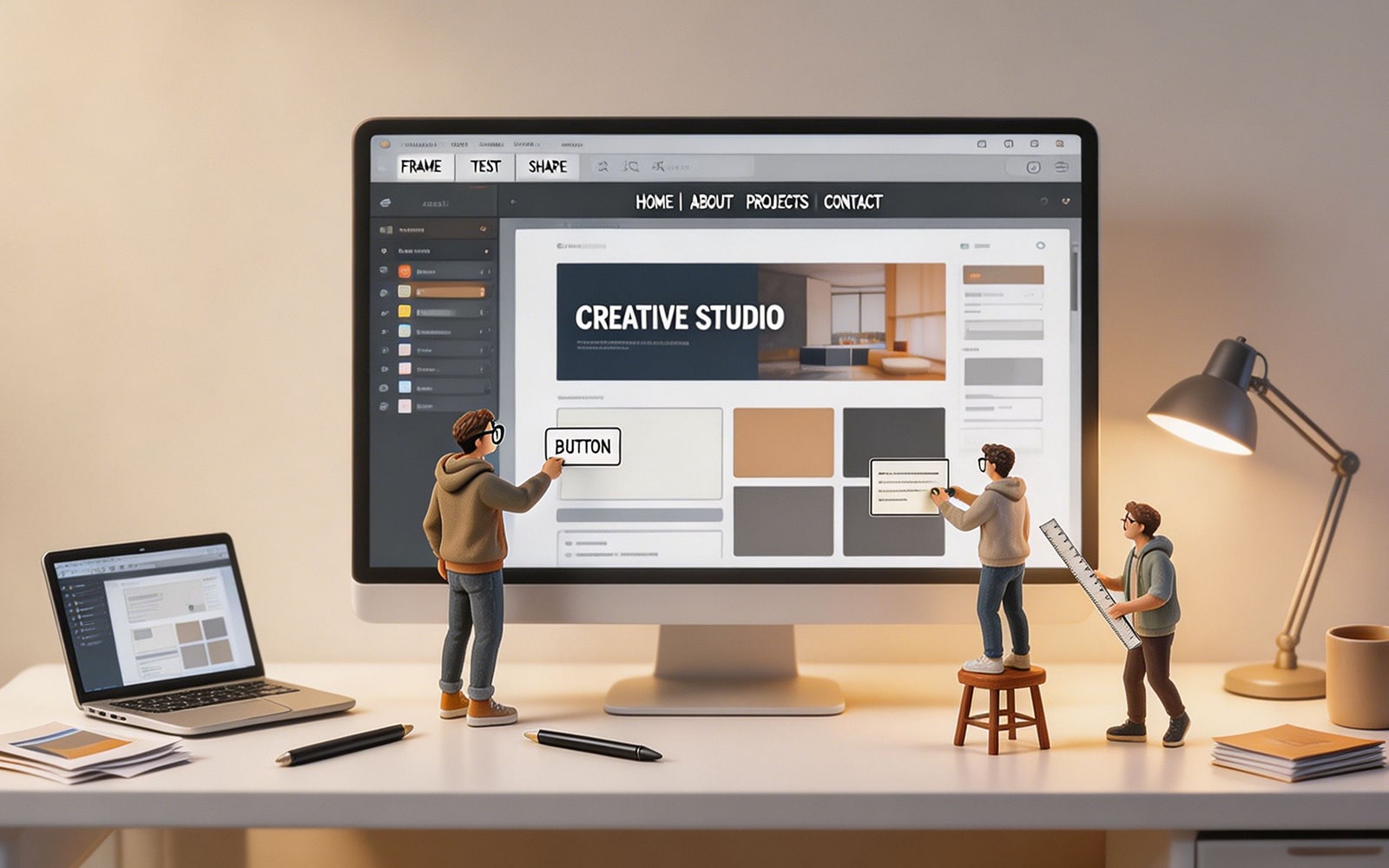
Framer has become a favorite among designers because it feels much closer to a real design tool than a traditional website builder. Instead of forcing you into rigid templates, it gives you a freeform canvas where layout, spacing, animation, and responsiveness can all be shaped visually. For portfolio sites, startup landing pages, and polished marketing pages, that workflow is the main reason people choose it.
Why Framer stands out
The strongest part of Framer is the connection between design and publishing. You are not building a mockup that later needs to be recreated by a developer. The canvas itself is the live site, so changes move from idea to published page with very little friction. That makes it especially appealing for teams that want speed without giving up control over how the site looks and feels.
For designers already comfortable with Figma-style thinking, the interface feels familiar enough to learn quickly. Elements can be moved directly, auto-layout helps keep structure clean, and responsive breakpoints make it easier to shape pages for different screen sizes. The result is a tool that supports real design work rather than just page assembly.
Key features worth paying attention to
Framer is strongest when visual quality matters. Its animation editor is one of the main reasons it gets recommended so often. Hover states, scroll-triggered effects, and page transitions can be built visually, which is a big deal for marketing sites that need a bit of motion to feel premium.
The platform also includes AI-assisted site generation. You describe what you want, and Framer can produce a polished starting point in seconds. It is not a replacement for design judgment, but it does cut down the blank-page problem and gives teams a head start, especially when they are trying to launch a landing page quickly.
Another practical strength is the built-in CMS. It is enough for blogs, portfolios, and smaller content sites, and it keeps the publishing workflow inside one platform. Custom code components are also available for teams that need a little more flexibility without moving to a full development stack.
What Framer does well
Design-to-website publishing in one workflow
Interactive canvas with responsive layout controls
Strong visual animation tools
AI-generated starting points for faster setup
Built-in hosting, SSL, and SEO controls
Figma-to-Framer import for faster handoff
Pricing and plan structure
Framer offers a free plan, which is useful for learning the tool or building personal projects. The free tier includes a Framer subdomain and limited CMS capacity, but it is enough to test the workflow before paying for a custom domain.
The Basic plan starts at $10 per month and adds a custom domain, AI design tools, built-in SEO, and more site capacity. The Pro plan is positioned for teams and more serious projects, with staging, rollback, roles and permissions, more CMS collections, and higher bandwidth. Annual billing lowers the monthly cost, which matters if you are planning to keep a site live long term.
For freelancers and small teams, pricing is straightforward but can add up if you manage multiple client sites. Since each site needs its own plan, Framer is usually most cost-effective when the time saved on design and publishing is worth more than the monthly subscription.
Where Framer fits best
Framer is a strong fit for freelance designers, startups, and agencies that care about presentation. If the goal is to launch a landing page, portfolio, or design-led marketing site with motion and visual polish, it is one of the easiest tools to recommend.
It is less convincing for projects that depend on deep content management or complex commerce features. A content-heavy blog can work, but larger editorial libraries are better served by a platform with stronger CMS controls. Ecommerce is also outside Framer’s sweet spot, since it does not provide native cart or checkout flows.
Best use cases
Designer portfolios that need visual flexibility
Startup landing pages that need to launch quickly
Agency websites that benefit from editable CMS content
Animated marketing pages with clear brand personality
Framer vs. other tools
Framer is often compared with Webflow, Figma, Canva, and newer AI development tools, but those comparisons only make sense if you focus on the actual job each tool is meant to do. Framer is not trying to replace Figma as a design system tool, and it is not trying to compete with Shopify on commerce.
The most useful comparison is with Webflow. Framer usually wins on ease of use for designers, animation quality, and the overall feel of building directly on the canvas. Webflow is still stronger for content-heavy sites, more advanced CMS workflows, and ecommerce. If your site is mostly about marketing and presentation, Framer feels faster. If your site is mostly about structured content and scaling collections, Webflow has the edge.
It is also worth noting that Figma is not really a publishing competitor. It is where design happens, while Framer is where design turns into a live site. That difference is exactly why many designers enjoy the workflow: there is less friction between thinking, building, and publishing.
Limitations to keep in mind
Framer is not the best answer for every website. Its CMS is useful but not the deepest. Advanced filtering, large content libraries, and complex content architecture can feel limiting once a site grows. The platform also assumes some design familiarity, so users who are completely new to layout, spacing, and responsive behavior may need more time to get comfortable.
For teams that need ecommerce, membership systems, or application-style backend logic, Framer should usually be treated as a front-end publishing tool rather than a full web stack. That does not make it weak; it just means it is best when the site itself is the product, not when the site has to behave like software.
Final take
Framer makes the most sense for people who want creative control without giving up speed. It is especially good when a site needs to look refined, move smoothly, and launch without a long developer handoff. The pricing is approachable, the free tier is genuinely useful, and the AI tools shorten the time from concept to publish.
If your priority is a beautiful marketing site, a portfolio, or a landing page that feels designed rather than assembled, Framer is one of the strongest no-code options available. If your priorities shift toward heavy CMS structure or ecommerce, it is better to look at alternatives early instead of trying to force Framer into a job it was never built to do.